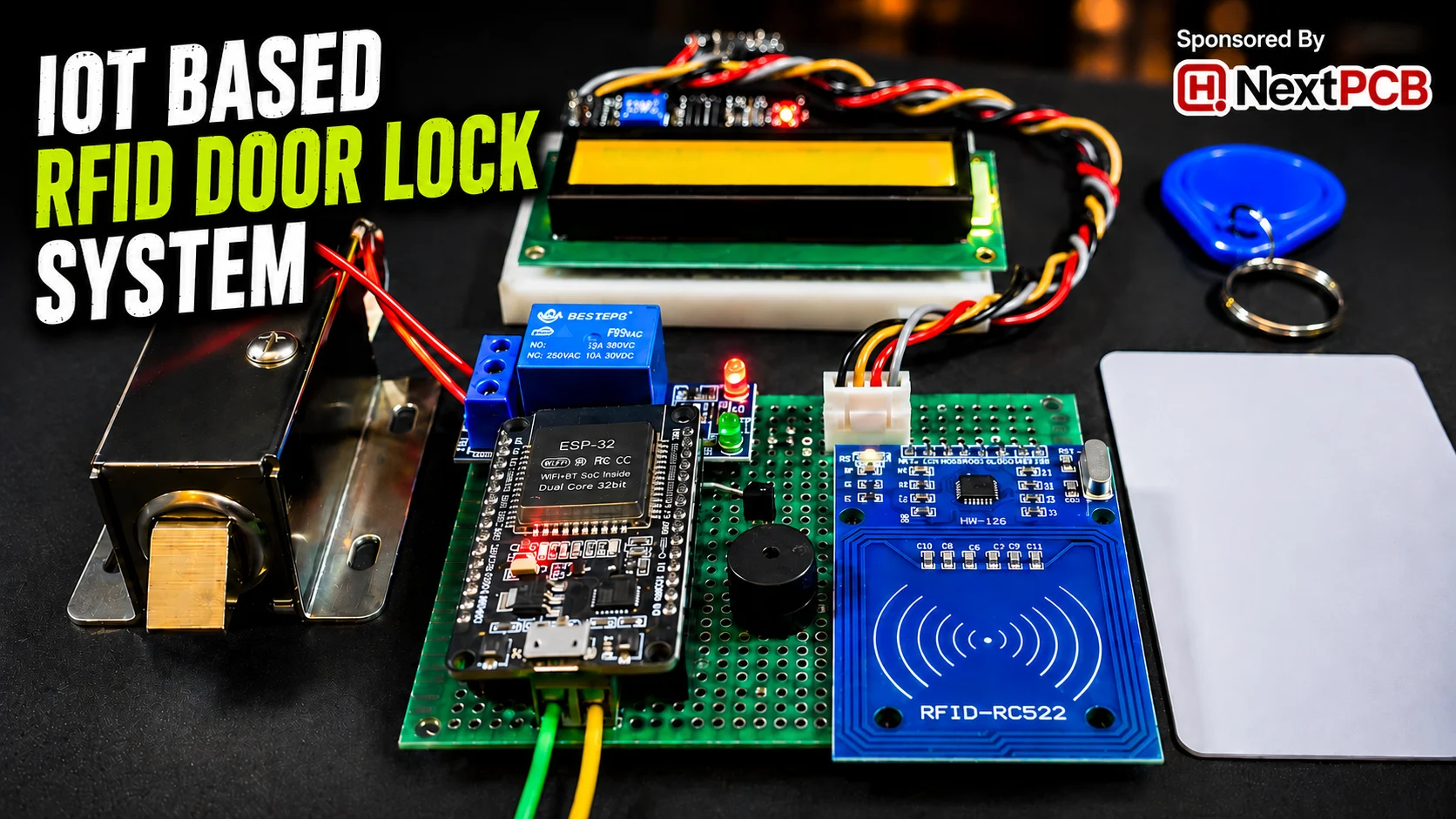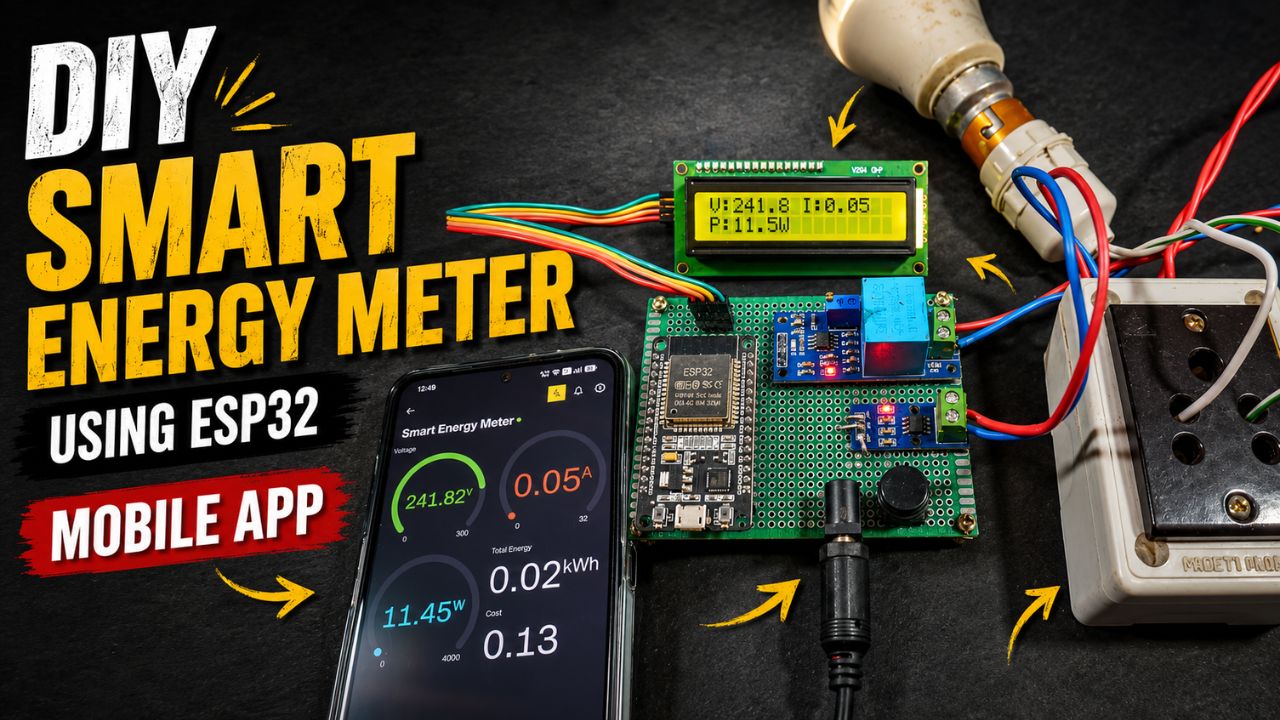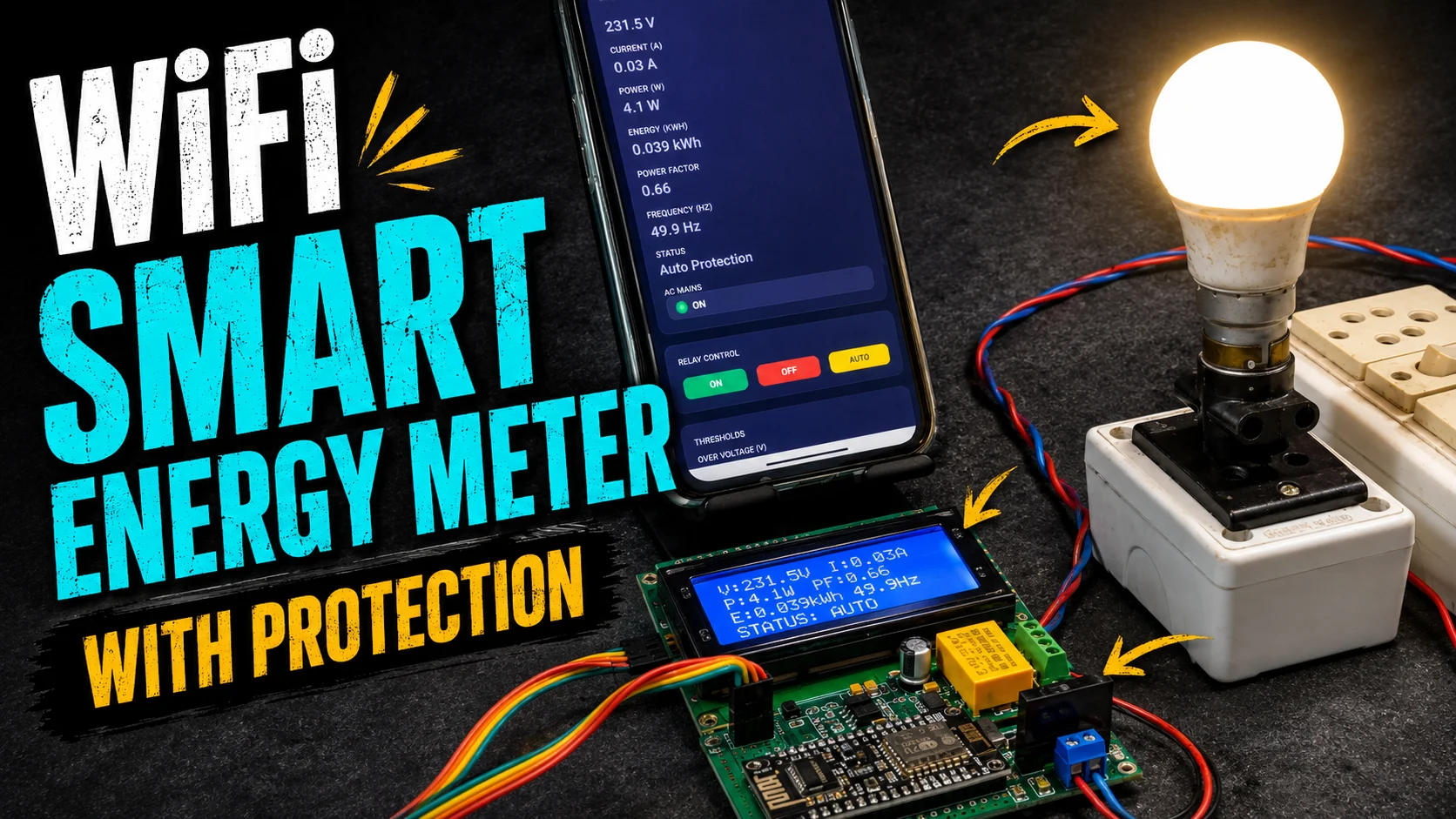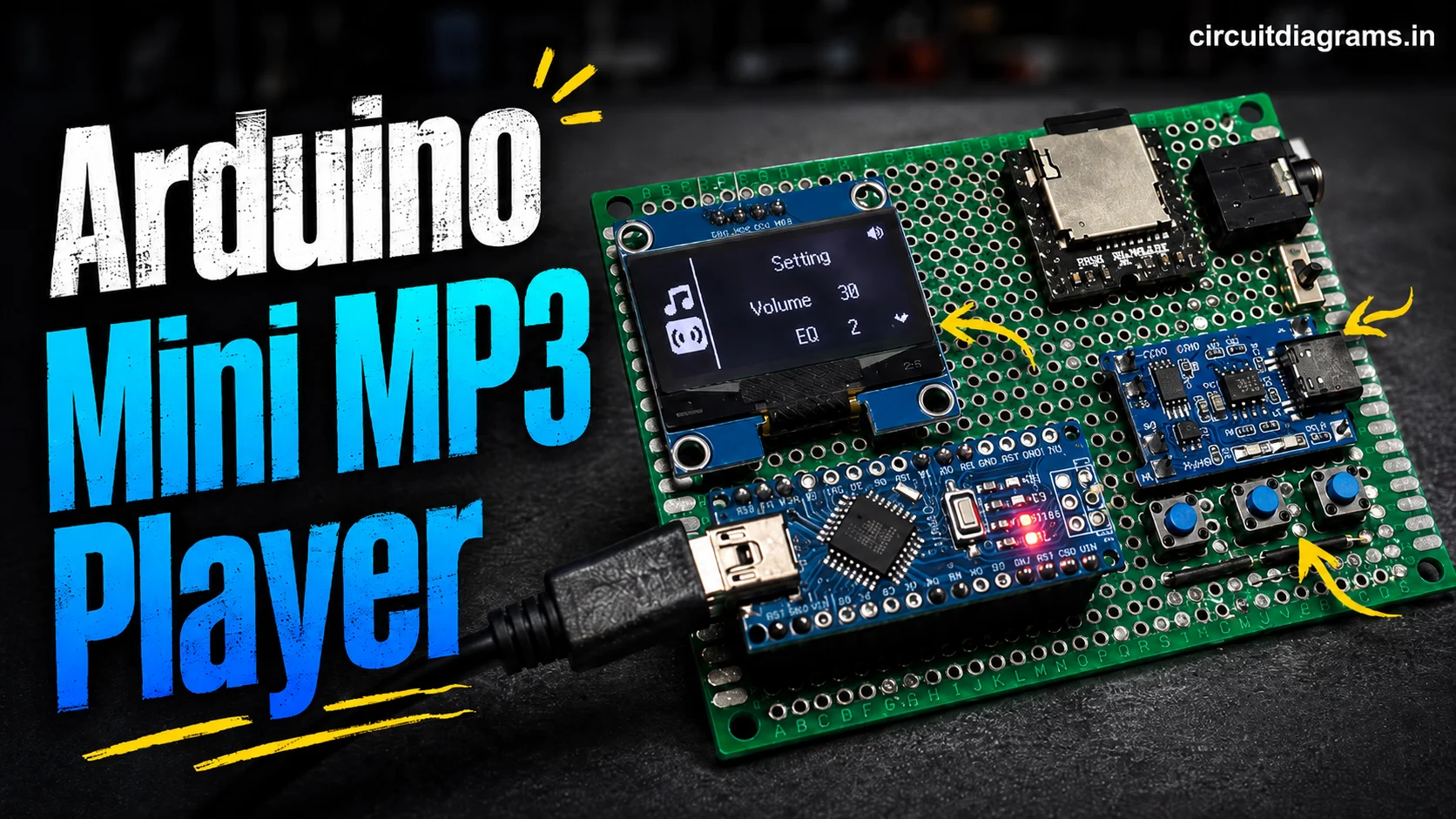
Building an electronics project is often a combination of two very different challenges: getting the circuit to work and making the finished device physically usable. While an Arduino or ESP32 project can be assembled quickly on a breadboard or a prototype PCB, creating a clean enclosure, accurate mounting plate, front panel, or mechanical bracket can be considerably more difficult.
Simple hand tools and 3D printing are enough for many projects, but there are situations where a stronger material, better dimensional accuracy, cleaner finish, or repeatable parts are required. This is where CNC machining can become a useful option for makers and electronics enthusiasts.
In this article, we’ll look at where CNC machining fits into DIY electronics, how it compares with 3D printing, what to consider when designing a part, and how an online manufacturing service such as PCBWay can be used to turn a CAD design into a physical component.
Why Mechanical Parts Matter in DIY Electronics?
When building an electronics project, most of the attention naturally goes toward the circuit itself. Choosing the right microcontroller, connecting sensors correctly, writing the firmware, and debugging the hardware are usually the most visible parts of the development process. But once the electronics are working, another challenge becomes apparent: how to turn that working circuit into a properly finished device.
Consider a typical ESP32 or Arduino project. The circuit may include a PCB, display, push buttons, sensors, connectors, and a power supply. All of these components need to fit together physically. A few millimetres of error in a display opening or mounting hole can be enough to make an enclosure difficult to assemble.
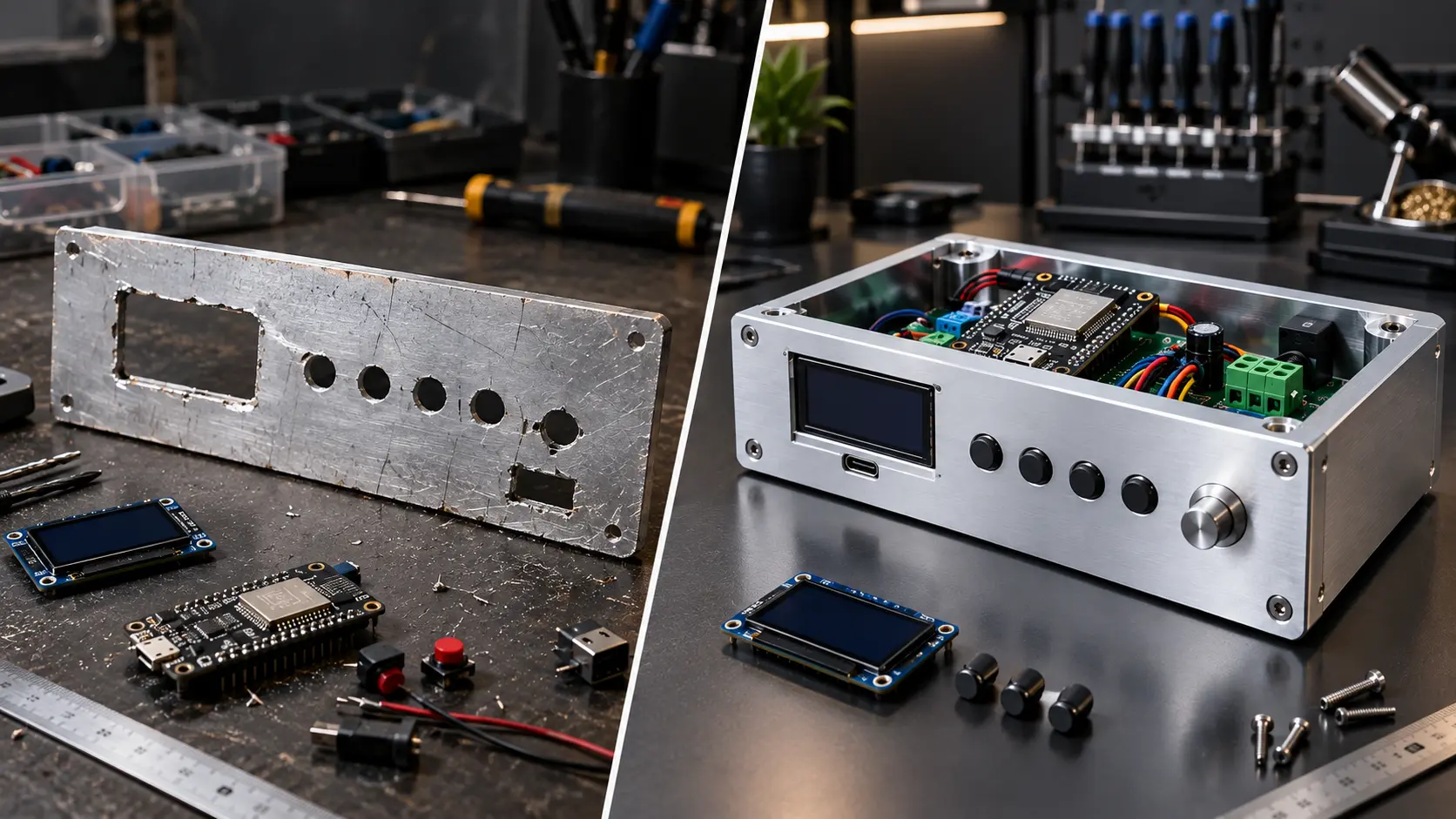
This becomes even more noticeable when parts are fabricated manually. Drilling mounting holes by hand can introduce alignment errors, while cutting openings for an LCD, USB connector, switch, or terminal block may leave rough or uneven edges. These problems might not affect the electrical operation of the project, but they can significantly affect its appearance and usability.
Mechanical design also becomes important when a project needs to be reproduced. A bracket or mounting plate that works for one prototype may be difficult to recreate accurately several times using hand tools. Having a properly dimensioned digital design makes it much easier to produce consistent parts.
For DIY electronics, therefore, mechanical fabrication isn’t simply about making a project look professional. It can determine how securely the electronics are mounted, how easily the device can be assembled and serviced, and whether the final product can reliably fit together. This is one of the situations where CNC machining can provide an alternative to purely manual fabrication.
What Is CNC Machining?
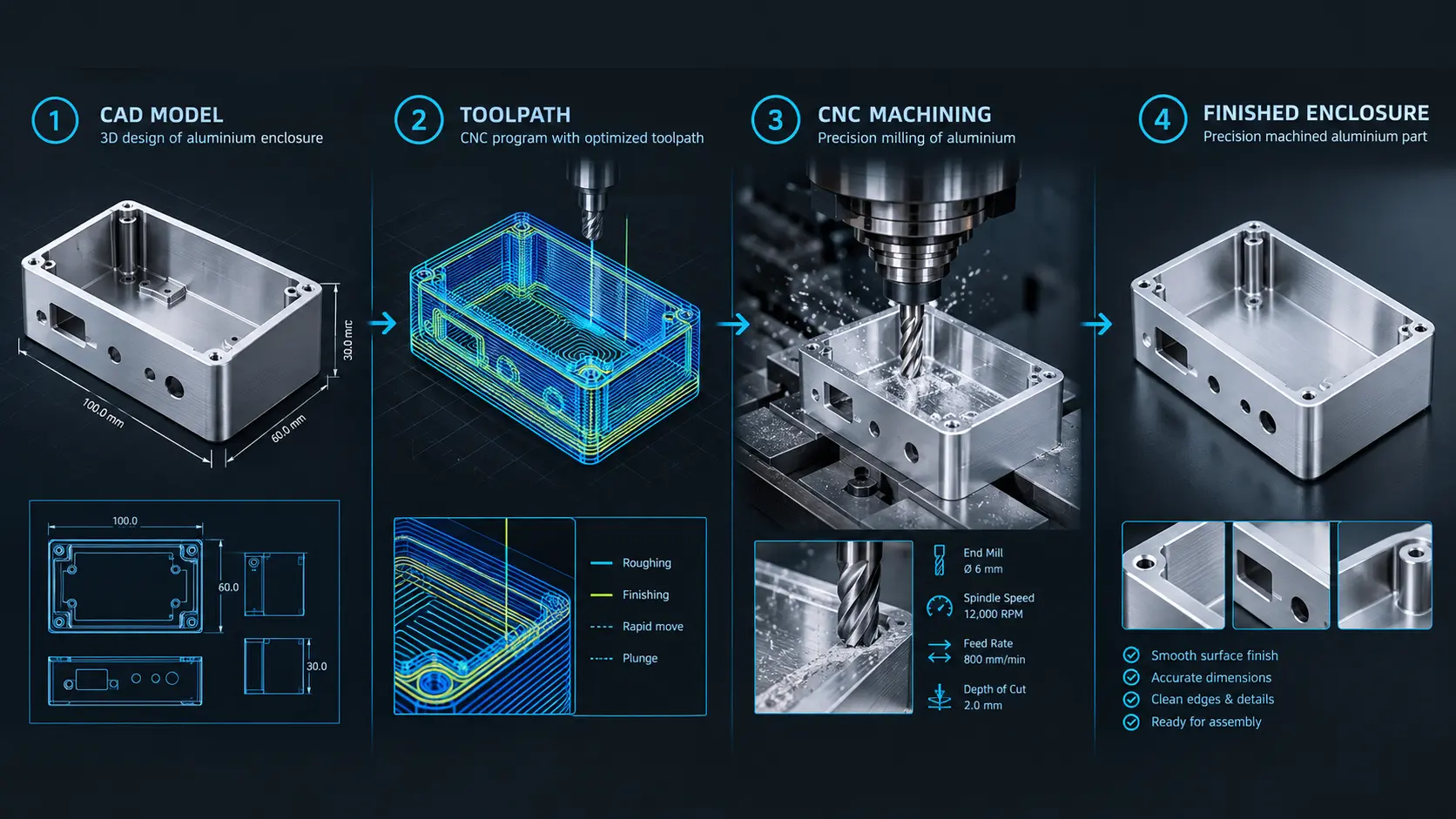
CNC machining stands for Computer Numerical Control machining, a manufacturing process in which computer-controlled machines remove material from a solid workpiece to create a precisely shaped component. Instead of manually operating cutting tools, the machine follows programmed movements generated from a digital design.
The process generally starts with a CAD (Computer-Aided Design) model. The designer creates the required dimensions and geometry in CAD software, including features such as holes, pockets, slots, mounting points, and external profiles. The design is then prepared for manufacturing so that the CNC machine knows how and where to move its cutting tools.
For electronics projects, CNC milling is particularly useful because it can produce features that would otherwise be difficult to fabricate accurately by hand. A block or sheet of material can be machined to create an enclosure panel, mounting plate, bracket, or custom mechanical component. Depending on the application, materials can include aluminium, stainless steel, brass, acrylic, and various engineering plastics.
One of the main advantages of CNC machining is that the physical part is produced directly from a carefully defined digital design. This makes it possible to maintain consistent dimensions and reproduce a part when additional units are required. It also allows designers to specify details such as threaded holes, countersunk holes, pockets, and precisely positioned openings.
For example, imagine an ESP32-based control panel with an LCD, several push buttons, and multiple connectors. Rather than manually cutting each opening and drilling every mounting hole, the complete panel can be designed digitally with the required positions and dimensions. CNC machining can then be used to manufacture the physical panel according to that design.
However, CNC machining isn’t automatically the right choice for every project. The complexity of the part, material, required accuracy, quantity, and overall budget should all be considered before deciding how it should be manufactured.
CNC Machining vs 3D Printing: Which One Should Makers Choose?
CNC machining isn’t necessarily a replacement for 3D printing. Both manufacturing methods have their own strengths, and the better choice depends largely on what the finished part needs to do.
3D printing is often the easiest option when creating quick prototypes, custom brackets, holders, or enclosures with relatively complex shapes. Since material is added layer by layer, it can produce geometries that would be difficult to manufacture using conventional machining. It is also particularly convenient when the part will be made from plastic and the primary goal is to test the design quickly.
CNC machining takes a different approach by removing material from a solid workpiece. This makes it particularly useful when a project requires materials such as aluminium or other rigid engineering materials. CNC-machined parts can also provide a different level of surface finish and mechanical robustness compared with many typical 3D-printed parts.
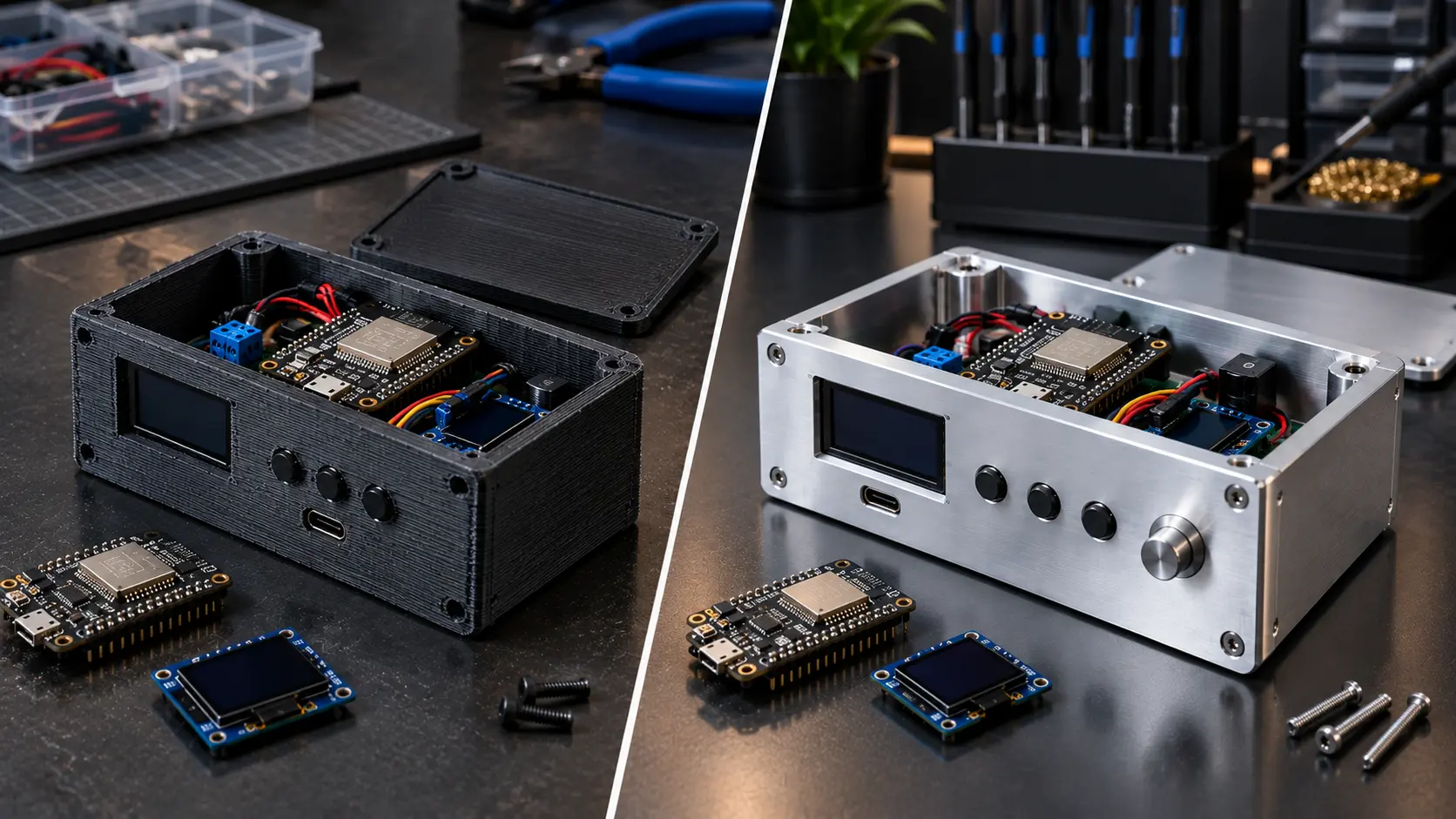
| Requirement | 3D Printing | CNC Machining |
|---|---|---|
| Rapid plastic prototypes | Excellent | Good |
| Complex geometries | Excellent | Good |
| Aluminium components | Limited | Excellent |
| Mechanical rigidity | Good | Excellent |
| Threaded holes | Possible | Excellent |
| Surface finish | Good | Excellent |
| Repeatable parts | Good | Excellent |
| Custom brackets and mounts | Excellent | Excellent |
| Professional metal panels | Limited | Excellent |
Another consideration is dimensional accuracy. A 3D-printed component can work perfectly well when small variations are acceptable, but applications involving precisely positioned mounting holes, mating surfaces, or mechanical interfaces may benefit from machining. The actual achievable accuracy depends on the machine, material, tooling, geometry, and manufacturing requirements, so it is important not to assume that one process will always outperform the other.
Cost is another factor. For a simple plastic enclosure or one-off prototype, 3D printing may be the more practical choice. CNC machining can become more attractive when the project requires a rigid material, specific surface finish, repeatable dimensions, or a small batch of identical parts.
Ultimately, the choice should be based on the requirements of the project rather than the manufacturing method itself. For many electronics makers, 3D printing and CNC machining are complementary tools: one can be ideal for quickly testing an idea, while the other can be useful when the design is ready for a more durable or refined mechanical part.
Where CNC Machining Fits Into Electronics Projects
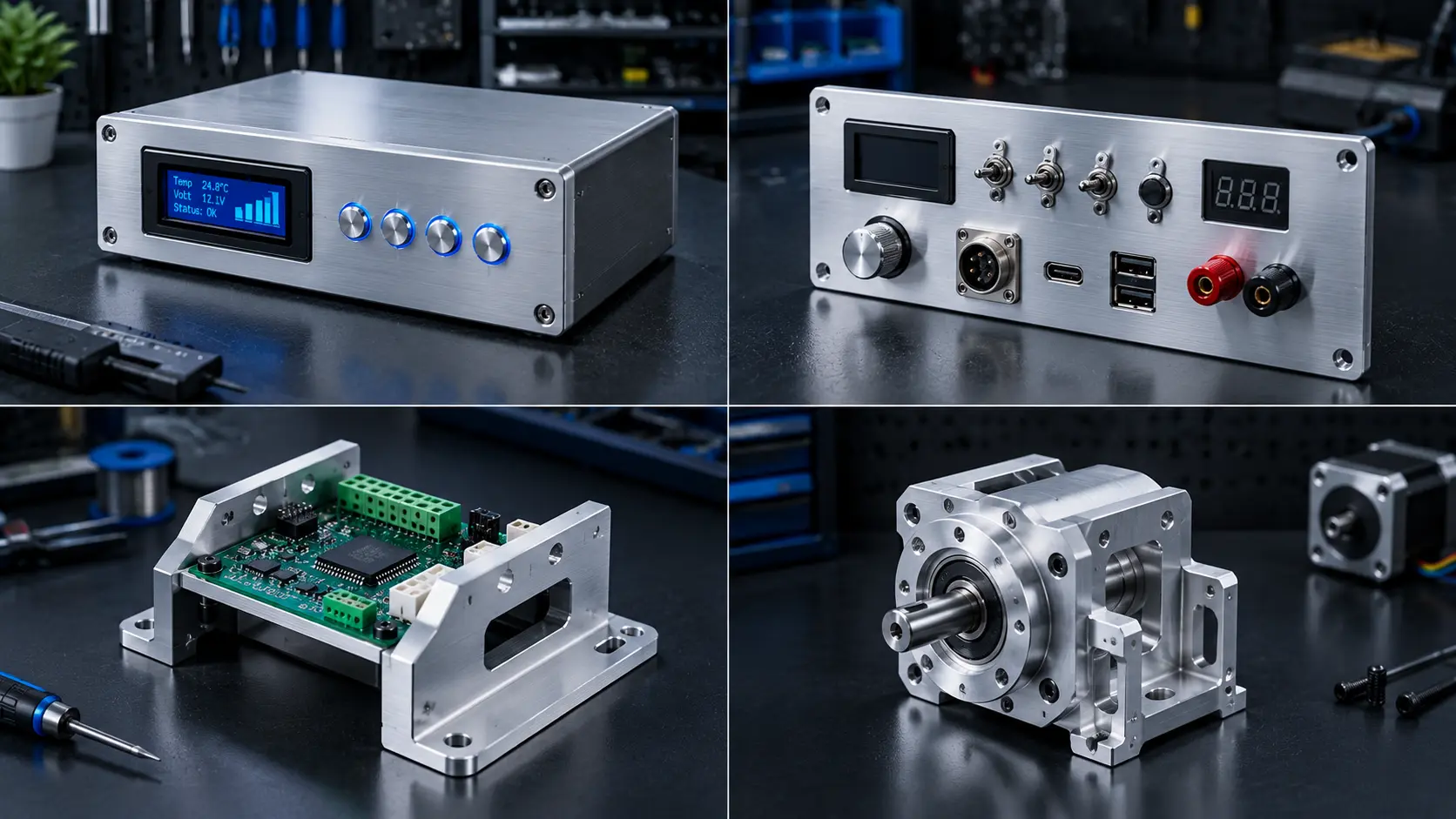
CNC machining becomes useful when an electronics project needs more than just a working circuit. It can be used to create custom enclosures, front panels, mounting plates, brackets, and mechanical parts designed specifically around the electronics.
For example, an ESP32 project may require precise openings for an LCD, buttons, USB connector, terminal blocks, and cables. Instead of modifying a standard enclosure by hand, these features can be included directly in the CAD design.
CNC machining is also useful for aluminium panels, PCB mounting brackets, motor mounts, heatsink components, and robotic parts, where rigidity and accurate dimensions can be important.
For smaller projects, however, CNC machining may not always be necessary. A 3D-printed bracket or an off-the-shelf enclosure can often do the job at a lower cost and with less preparation.
The real advantage is having the flexibility to choose the manufacturing method based on the project. When strength, precise dimensions, repeatability, or a more refined finish are important, CNC machining can be a practical option for turning a digital design into a functional mechanical component.
Designing Electronics Parts for CNC Machining
A good CNC-machined part starts with a well-prepared CAD design. Before sending a design for manufacturing, makers should pay close attention to the actual dimensions of the electronics and how everything will be assembled.
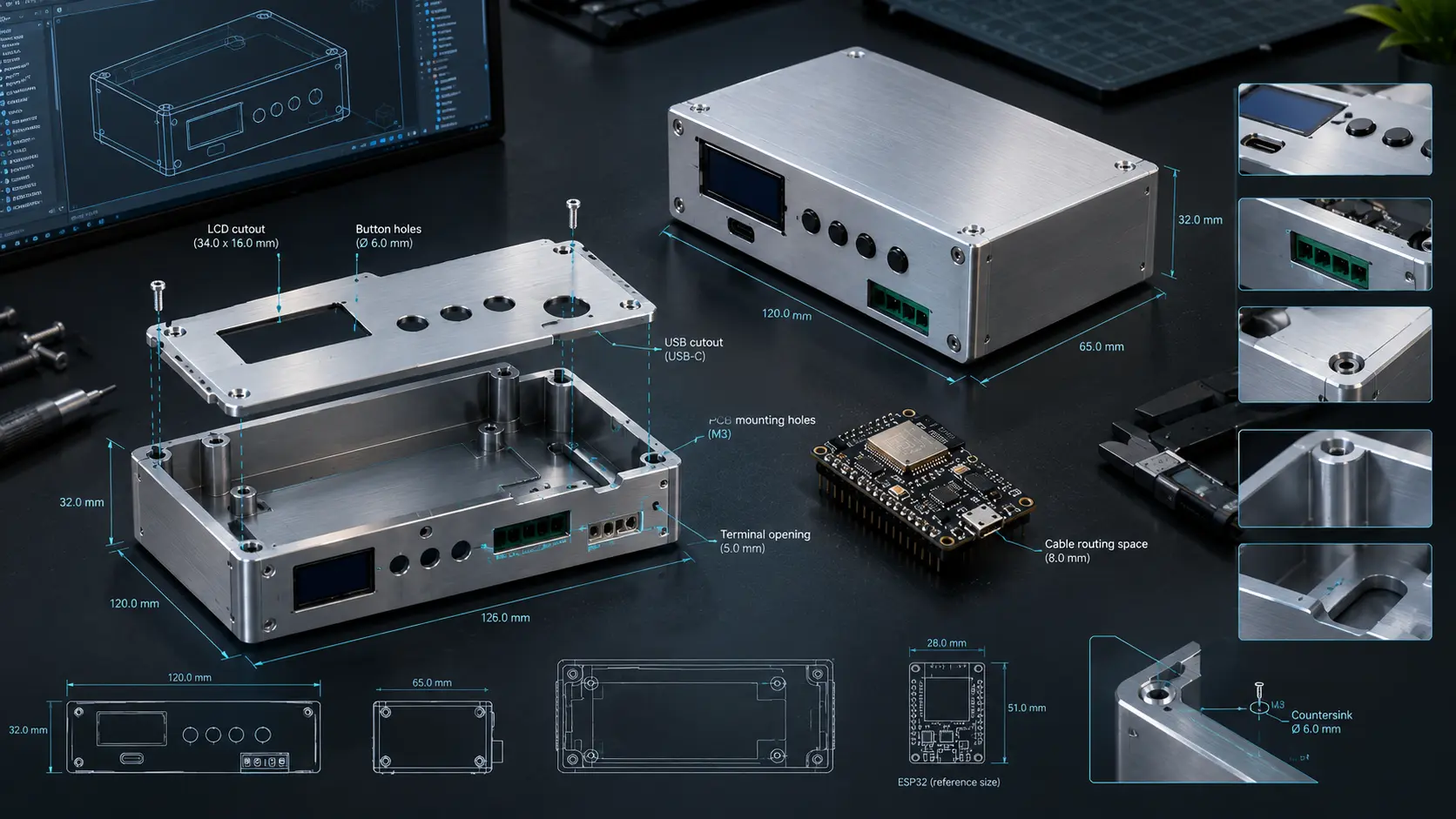
Measure important components such as PCBs, displays, switches, connectors, and mounting holes rather than relying only on approximate dimensions. Even a small error can cause alignment or assembly problems.
Clearances are equally important. Openings for USB ports, terminal blocks, buttons, and cables should provide enough space for installation and operation. If threaded holes or screws are required, their specifications should also be defined correctly in the design.
It’s also worth remembering that CNC machining removes material using cutting tools. Very deep pockets, narrow slots, and sharp internal corners may therefore require additional consideration during design.
Before ordering, review the CAD model from different angles and, if possible, check it against the actual electronics. A few minutes spent verifying dimensions and clearances can prevent costly changes later.
The goal isn’t simply to create a visually attractive CAD model, but to create a design that can be machined, assembled, and used reliably in the finished electronics project.
From CAD Model to Finished CNC Part
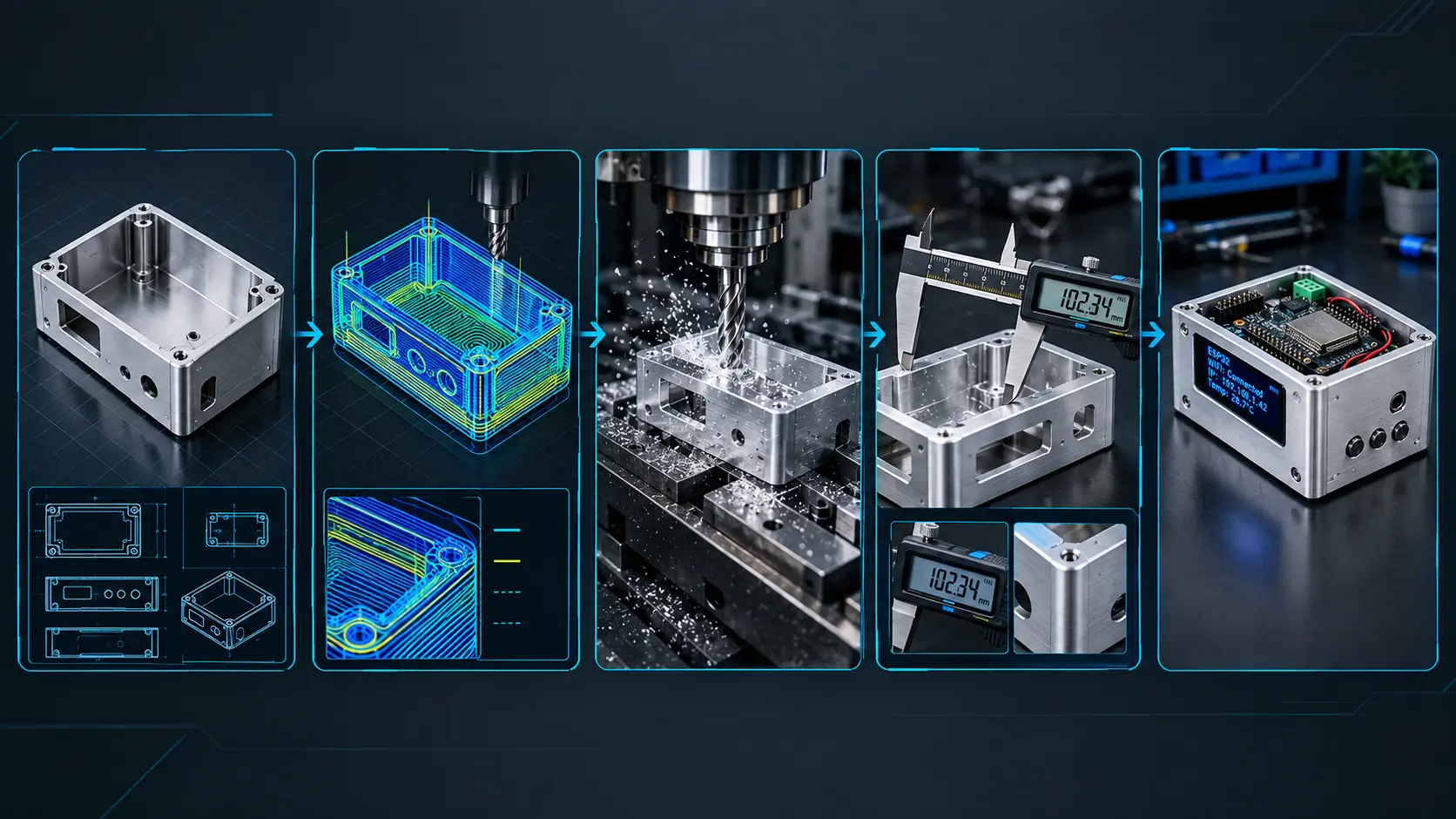
The CNC machining process usually begins with a CAD model containing the exact dimensions and features required for the part. Once the design is ready, the next step is to prepare the appropriate manufacturing file and select the required material and finish.
For an online CNC service, the general workflow is straightforward: design the part, upload the CAD file, select the required specifications, review the quotation, and place the order. The manufacturer then prepares the design for machining and produces the physical component.
Before confirming an order, it’s worth checking important details such as dimensions, material, surface finish, holes, threads, and critical tolerances. This is particularly important for parts that need to fit directly with a PCB or other mechanical components.
Once the finished part arrives, a quick inspection and test fit can confirm that everything matches the original design. For prototypes, this stage can also reveal small improvements that should be incorporated into the next revision.
This CAD-to-manufacturing workflow makes it possible for makers without their own CNC equipment to turn a digital mechanical design into a functional physical part.
Using PCBWay for CNC Machining
For makers who don’t have access to a CNC machine, tooling, or the experience required to machine parts themselves, outsourcing the manufacturing can be a practical alternative. PCBWay’s CNC Machining Service provides an online workflow where a CAD design can be submitted, configured, quoted, and manufactured without the need to own CNC equipment.
This can be useful for electronics enclosures, aluminium panels, PCB mounting plates, brackets, heatsinks, mechanical adapters, robotics components, and other custom parts. PCBWay lists a range of metal and plastic material options, along with surface finishes such as anodizing, bead blasting, brushing, powder coating, plating, polishing, laser engraving, and others.
Why Use PCBWay for CNC Machining?
One of the main advantages is flexibility. A maker can start with a single prototype and then manufacture additional parts from the same CAD design if the project eventually requires a small production run.
Another benefit is the choice of materials and finishes. This is particularly useful for electronics projects where the mechanical part needs to match the application. For example, an aluminium enclosure may be selected for its rigidity and appearance, while an engineering plastic may be more appropriate for a lightweight component.
PCBWay also provides engineering review during the manufacturing process. According to its quality documentation, the team reviews submitted part designs and considers factors such as drawings, materials, surface finishes, structure, and manufacturing requirements before production.
Quality and Inspection
Quality is particularly important for CNC parts because a small dimensional error can affect how a component fits with a PCB, connector, screw, or another mechanical part.
PCBWay states that its quality system is ISO 9001:2015 certified and that finished parts undergo quality inspection before delivery. Inspection reports can include information such as part quantity, critical dimensions, tolerances, thickness, and appearance. Additional dimensional inspection options, including CMM-based inspection, are also available for CNC orders.
For standard CNC machining, PCBWay publishes general tolerance information, while tighter or critical tolerances can be specified through the appropriate technical drawings and manufacturing requirements.
How to Order a CNC-Machined Part From PCBWay?
The ordering process is relatively straightforward:
1. Prepare your CAD design
Create the component in your preferred CAD software and verify the dimensions, mounting holes, cutouts, threads, and clearances.
2. Upload the CAD file
Upload the design through PCBWay’s CNC quotation system. PCBWay’s current ordering documentation supports common CAD formats including .step, *.stp, *.x_t , *.iges, *.igs, *.sldprt.

3. Configure the part
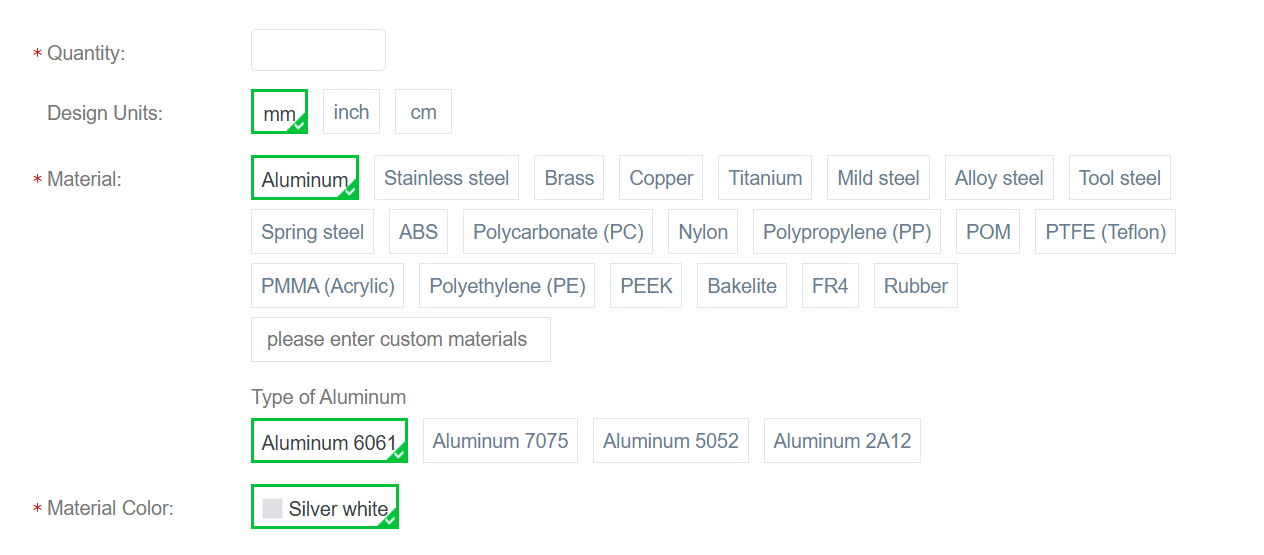
Select the required quantity, material, manufacturing requirements, and surface finish. Additional information such as threads, tapped holes, special tolerances, surface roughness, or other requirements can be specified where applicable.
4. Add technical drawings if required
For critical dimensions, tighter tolerances, assembly requirements, or other specifications, provide the relevant 2D drawing and notes so the manufacturing requirements are clearly defined.
5. Review the quotation
The online system provides an estimated quotation and delivery information based on the configured part. If the design requires additional engineering review, PCBWay also provides a manual quotation process.
6. Confirm and place the order
After reviewing the specifications and quotation, the order can be submitted. Once the review process is completed, the final price can be confirmed and payment made according to the order details.
7. Inspect the finished part
When the part arrives, check the important dimensions and test-fit it with the electronics before final assembly. For critical applications, inspection documentation can also be requested.
For DIY electronics, this workflow makes CNC machining considerably more accessible. Instead of purchasing and maintaining a CNC machine for occasional projects, a maker can concentrate on designing the part correctly and outsourcing the manufacturing when CNC machining makes sense.
Is CNC Machining Worth It for DIY Projects?
CNC machining isn’t necessary for every DIY electronics project. For a simple enclosure, sensor holder, or quick prototype, 3D printing or basic hand fabrication may be faster and more economical.
However, CNC machining becomes more interesting when a project requires rigid materials, accurate dimensions, repeatable parts, or a cleaner finished appearance. This can be particularly useful when building custom instruments, automation equipment, robotics projects, or electronics that are intended to be demonstrated or used regularly.
For makers who don’t own CNC equipment, an online manufacturing service such as PCBWay can make outsourcing these parts a practical option. The important thing is to start with a properly designed CAD model and choose the manufacturing process based on the actual requirements of the project.
In the end, CNC machining is best viewed as another tool in the maker’s toolbox—not a replacement for 3D printing or traditional fabrication, but an additional option when the project calls for it.
Frequently Asked Questions About CNC Machining for Electronics
What is CNC machining used for in electronics projects?
CNC machining can be used to manufacture custom enclosures, front panels, PCB mounting plates, brackets, heatsinks, and other mechanical components that need accurate dimensions or specific materials.
Is CNC machining better than 3D printing?
Not necessarily. 3D printing is often more convenient for quick plastic prototypes and complex shapes, while CNC machining can be preferable when strength, rigidity, dimensional accuracy, or a particular surface finish is important.
Can aluminium electronics enclosures be CNC machined?
Yes. Aluminium is commonly used for machined mechanical parts and can be suitable for electronics enclosures, panels, brackets, and other components where rigidity and durability are desirable.
Do I need a CNC machine to manufacture a CNC part?
No. Makers can outsource machining to an online manufacturing service. The part is designed digitally and the manufacturing company produces it according to the selected specifications.
What files are needed for CNC machining?
The required file formats depend on the manufacturer and manufacturing process. CAD formats such as STEP are commonly used, but you should always check the current file requirements of the service before submitting a design.
Final Thoughts
For DIY electronics, getting the circuit to work is only part of the challenge. A well-designed mechanical structure can make the finished project easier to assemble, more durable, and more professional.
CNC machining provides makers with another option when a project requires accurate dimensions, rigid materials, repeatable parts, or a cleaner finish. It won’t be the right choice for every project, but it can be particularly useful when basic fabrication or 3D printing doesn’t meet the requirements.
With services such as PCBWay, makers can outsource the machining process instead of investing in their own CNC equipment. The most important step remains the same regardless of the manufacturing method: start with a carefully measured and well-designed CAD model.
When electronics and mechanical design are considered together, even a simple Arduino or ESP32 project can move from a working prototype toward a much more complete and refined product.