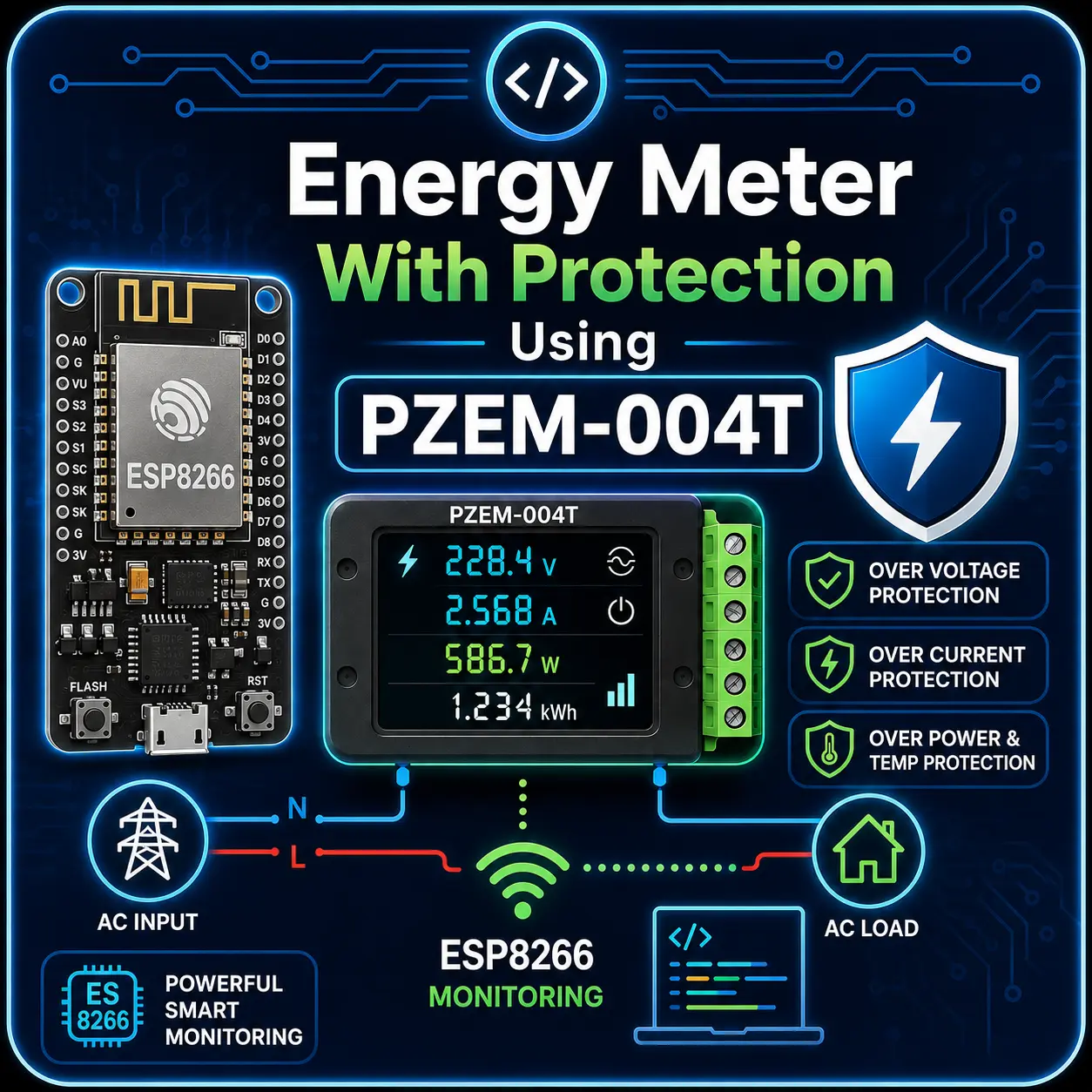
IoT Energy Meter With Protections Using PZEM-004T Complete Project Bundle
$6.59
Description
This source code implements a complete, production-ready Smart IoT Energy Meter built around the PZEM004T v3 energy monitoring module. It is designed for real-world AC load monitoring, protection, and remote control through a modern web dashboard, while also providing clear local feedback on a 20×4 I2C LCD.
Components Required
- ESP8266 NodeMCU Board / ESP32 Dev Board
- PZEM-004T Version 3.0 or 4.0
- 20×4 I2C LCD Display (SDA, SCL Enabled)
- 5V/10A 2 Channel Relay Module
- 5V DC Adapter
- Push Button
- AC Socket (as load)
- 1.5sqmm Electrical Wires
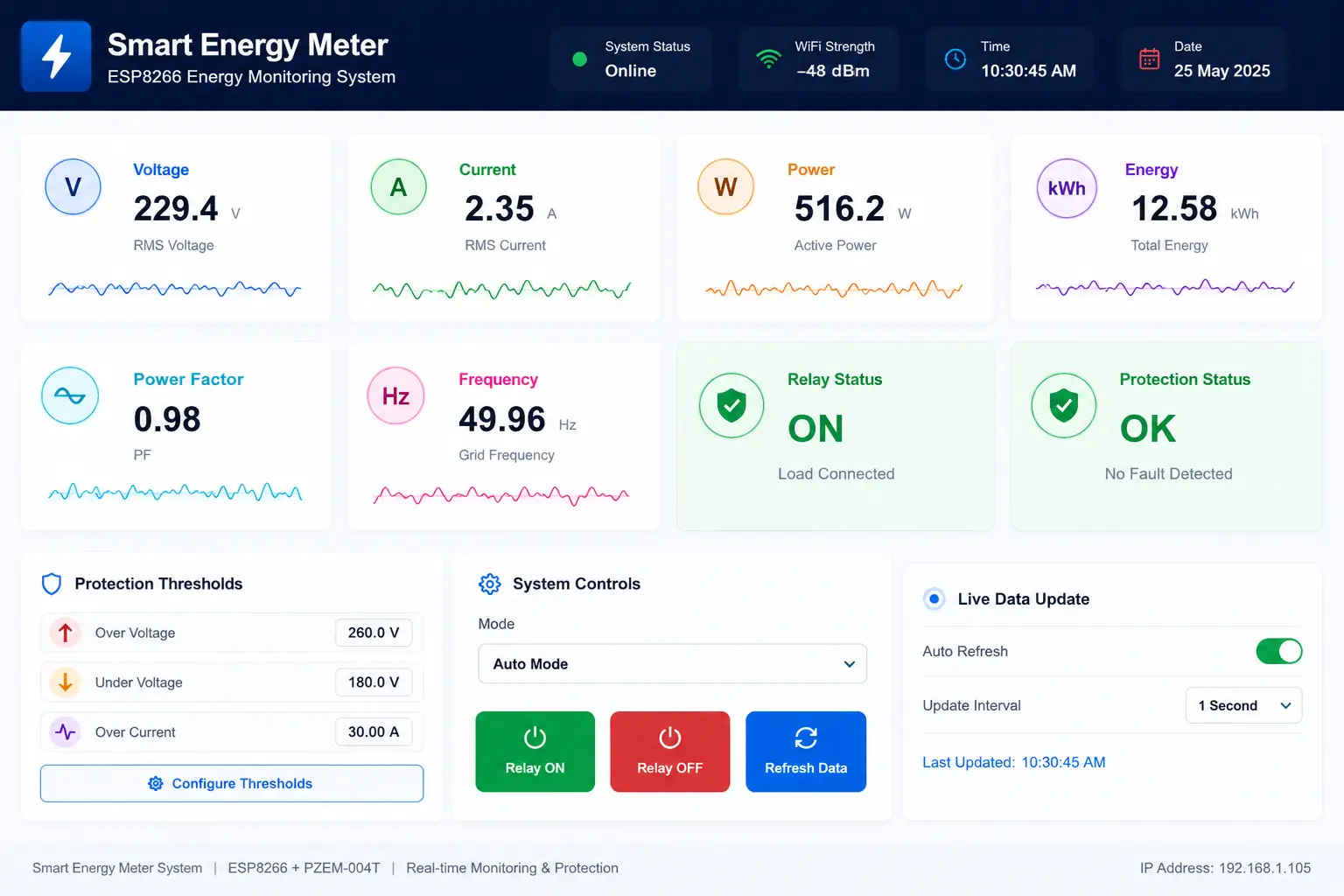
Demo Dashboard
Files You Will Get

🔹 Specifications
Real-Time Electrical Measurement
- Accurate Voltage (V), Current (A), Power (W), Energy (kWh) readings from PZEM004T
- Displays Power Factor (PF) and Frequency (Hz)
- Automatic handling of invalid or disconnected mains states
Smart Protection System
- Over-Voltage Protection
- Under-Voltage Protection
- Over-Current Protection
- Automatic relay cutoff with clear fault reason (e.g., Over Voltage, Disconnected)
Relay Control
- Supports Active-LOW relay
- Three operating modes:
- AUTO – Smart protection enabled
- MANUAL ON
- MANUAL OFF
- Relay state automatically restored after reboot
Non-Volatile Configuration
- Uses LittleFS to store:
- Voltage & current thresholds
- Relay operating mode
- Settings persist even after power loss or reset
🌐 Built-In Web Dashboard
- Responsive, mobile-friendly UI
- Live values update automatically (AJAX/JSON based)
- Animated AC mains ON/OFF indicator
- One-click relay control (ON / OFF / AUTO)
- Adjustable protection thresholds directly from browser
- Clean API endpoints for integration with apps or cloud services
🖥️ Local Display & Controls
- 20×4 I2C LCD shows:
- Page 1: Voltage, Current, Power, System Status
- Page 2: Energy, PF, Frequency, Mode & Thresholds
- Single button to switch display pages
- Clear startup messages for WiFi / AP mode and IP address
📡 WiFi & Network Behavior
- Connects automatically to configured WiFi network
- If WiFi fails, device starts its own Access Point (AP mode)
- Dashboard accessible via local IP – no cloud dependency
🧠 Software Architecture Highlights
- Clean modular structure (Protection, Web, LCD, Config)
- JSON-based API for easy extension
- Interrupt-based button handling with debounce
- Safe relay logic prevents energizing load during fault conditions
🔌 Typical Applications
- Home or industrial smart energy meters
- AC load protection & monitoring panels
- IoT-based power consumption logging
- Smart distribution boards
- DIY or commercial automation projects
📦 What You Get (Source Code)
- Fully commented ESP8266 source code
- All Libraries
- Circuit Schematic
- Demo HTML Dashboard
- Project Report (PDF)
- Presentation PPT
- Wiring Guide (PDF)
- Webdashboard Operation Guide (PDF)
- Wiring Guide (PDF)
- Troubleshooting Guide (PDF)
⚠️ Important Notes
- Designed for PZEM004T v3.0 and v4.0 (UART version)
- Use proper electrical isolation and safety precautions
- Relay must be rated for target AC load
Reviews
There are no reviews yet.